iOS
- Open the App Store app.

- Tap Today.

- Tap the Profile button at the top of the screen.

- Navigate to the Pokémon GO app and tap the Update button.


Android
- Open the Google Play Store app.

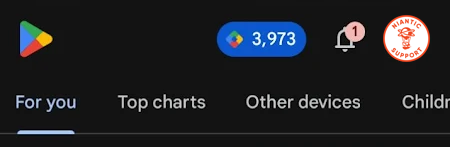
- On the top right, tap your profile photo.
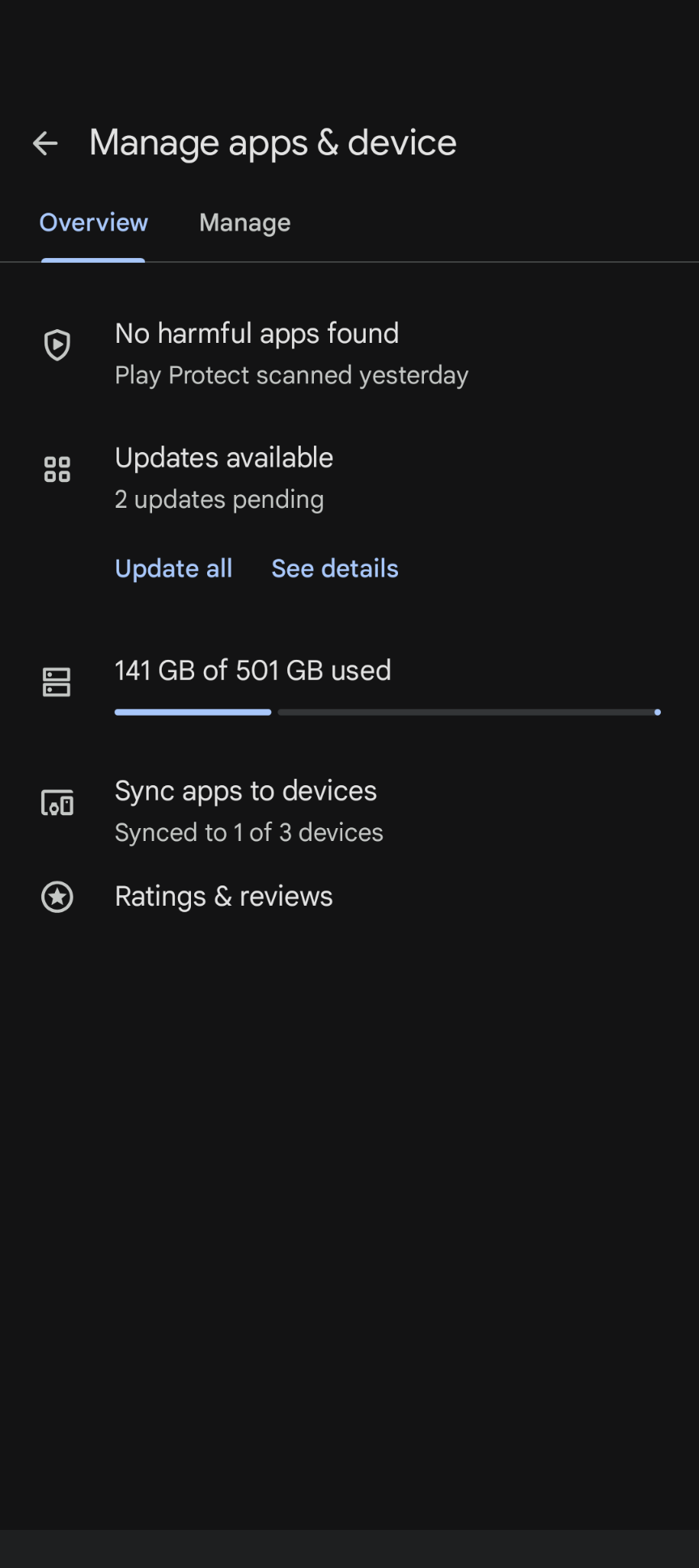
- Tap the Manage apps & device menu option.
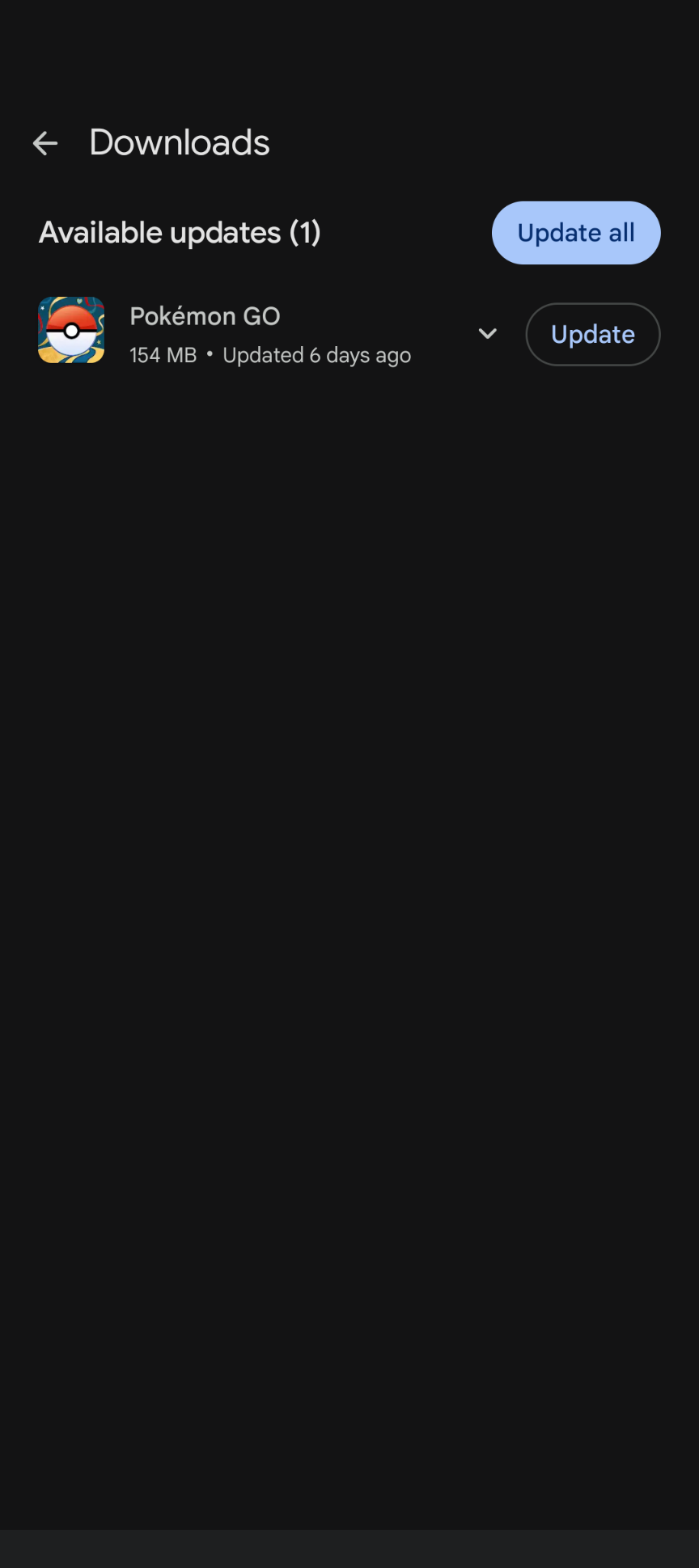
- Check if you have any pending updates from the Overview tab.
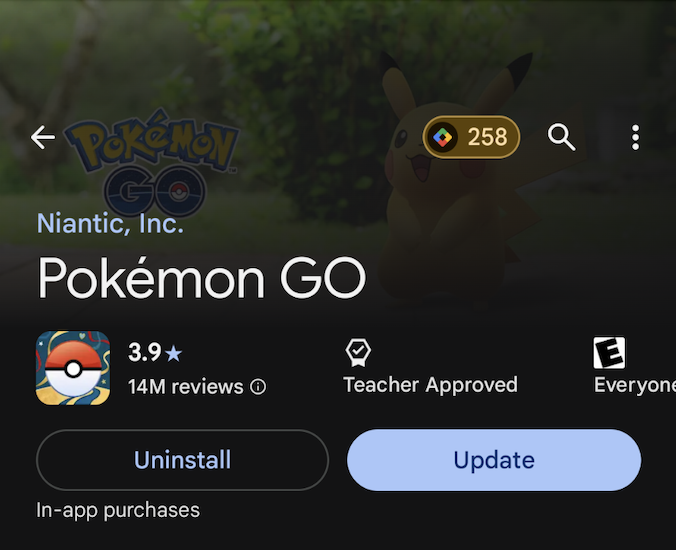
- To double check, search Pokémon GO from the Play Store main screen and see if there are any updates available.