
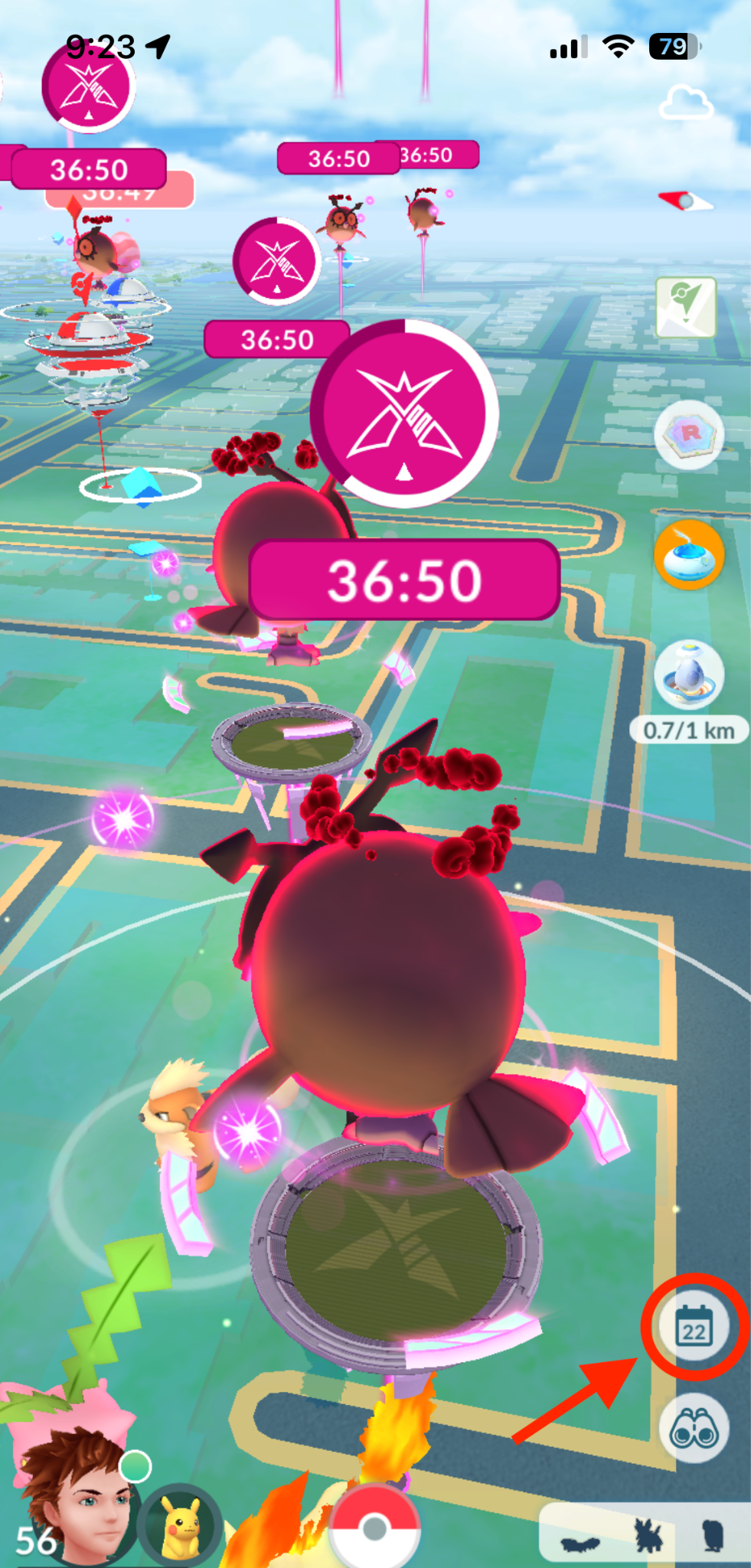
The event calendar is a page where Trainers can view current and upcoming Pokémon GO events. You can easily access it by tapping on the calendar icon at the bottom right of your Map View.
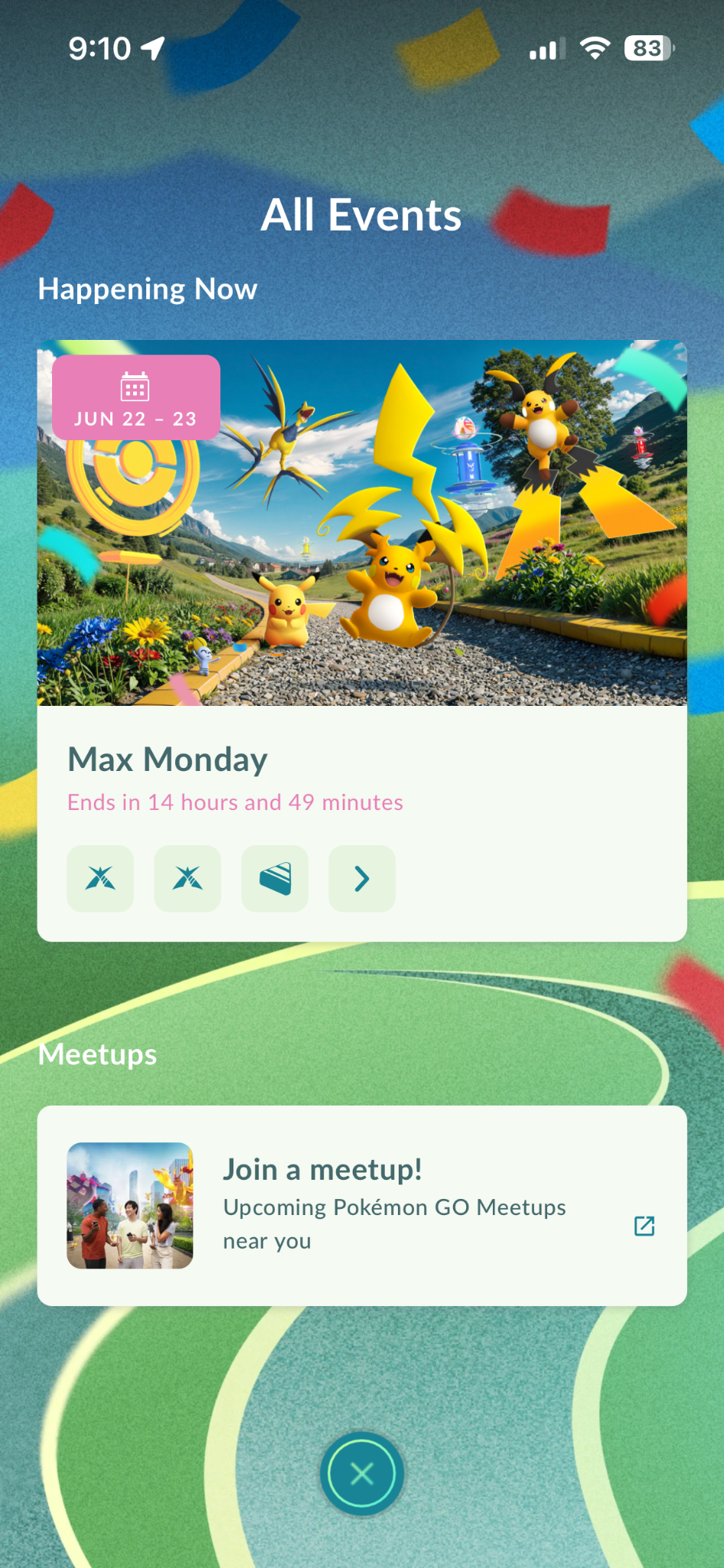
Tapping on the calendar icon will show you a list of current and upcoming events. Tap on an event to view details such as event duration and event bonuses. When viewing an event’s details, you can also tap on Learn More to view the official blog page for the event or tap Copy Link to easily share details to invite your friends!
Meetups around you can also be viewed by tapping on Join a meetup located at the bottom of the event calendar page. Tapping on this will take you to the Campfire map where you can view and join any meetups happening near you.