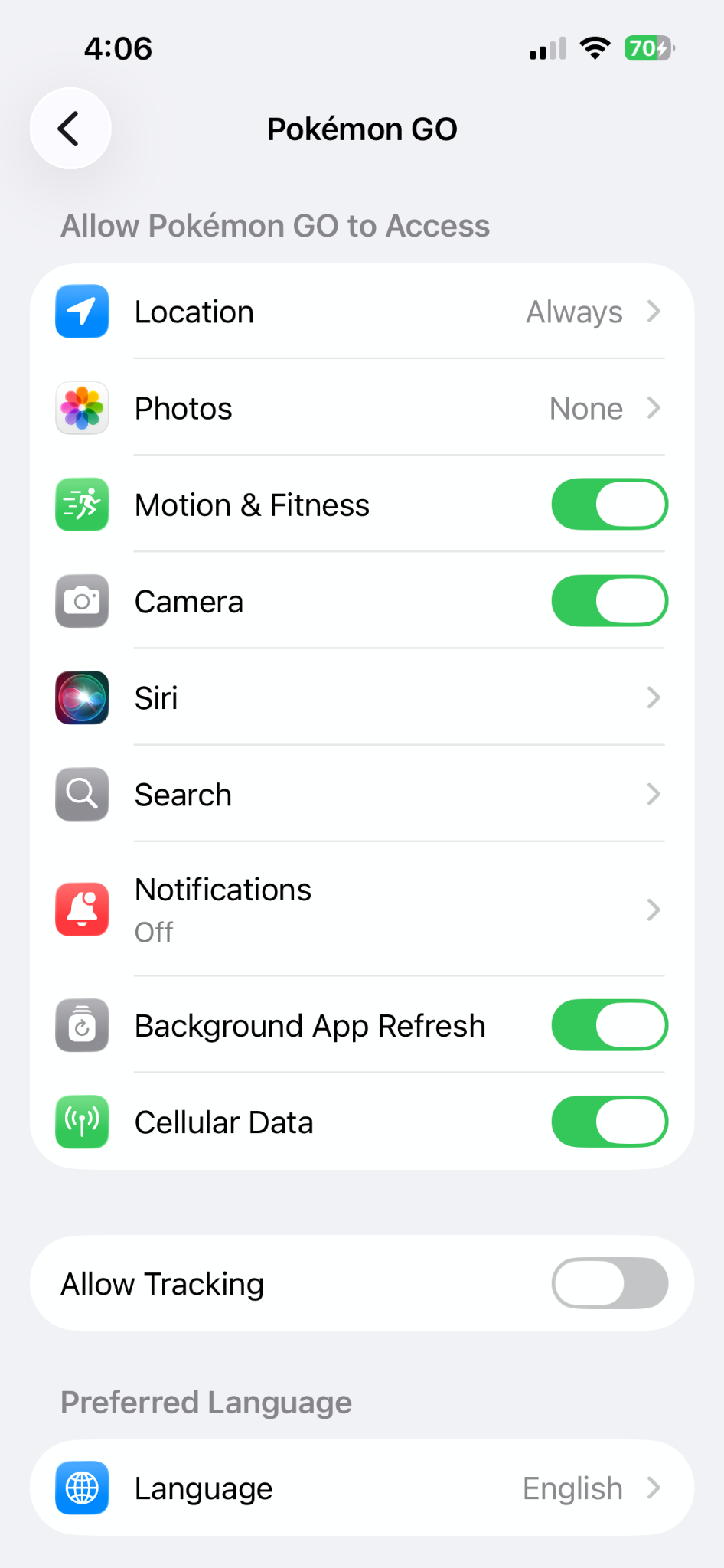
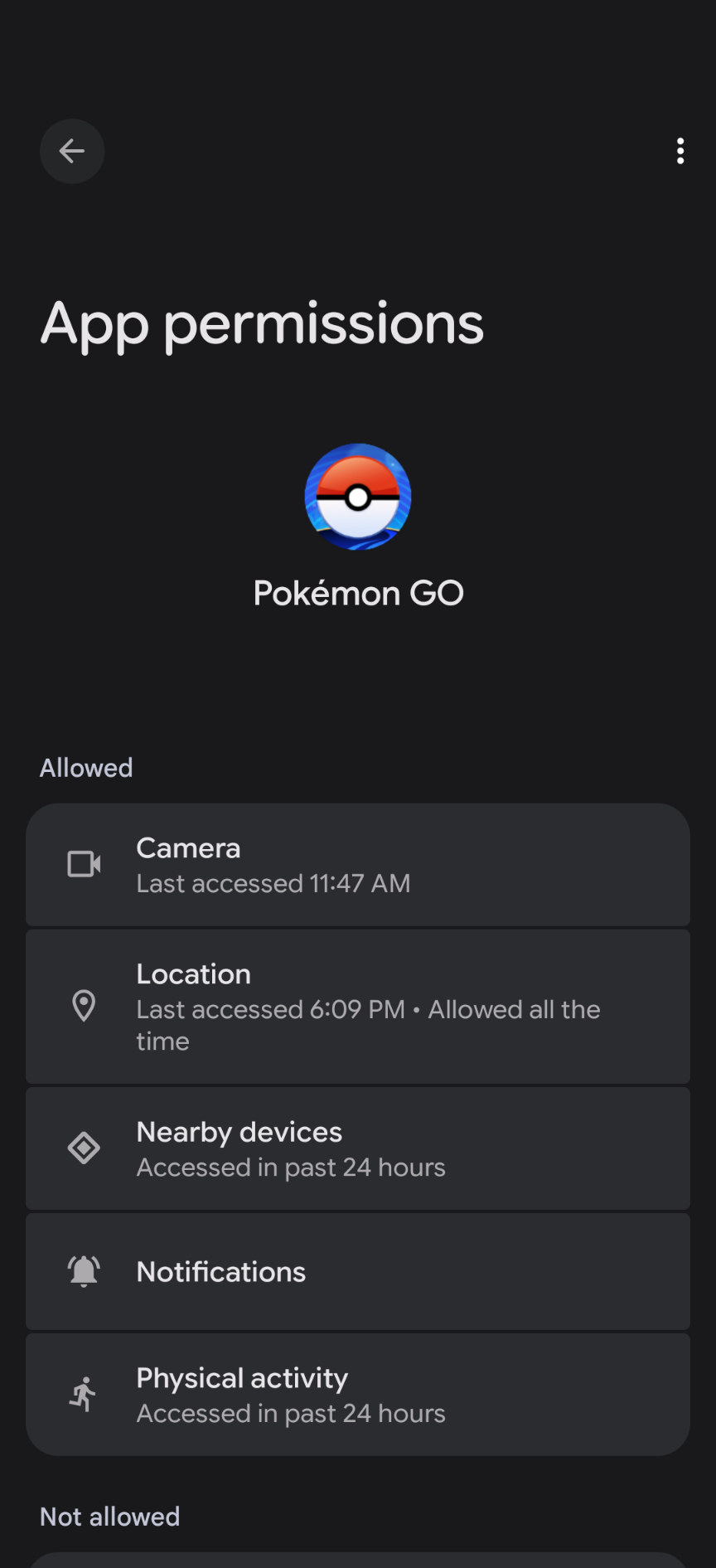
If you would like to check on and change your Pokémon GO app permissions, read the steps below to find out how to access these settings.
Please note: It is recommended to enable certain app permissions such as Camera and Location to experience the full gameplay of Pokémon GO.
For Android:
Go to your device’s Settings
Scroll down and tap Apps
Find Pokémon GO in the Apps list and tap it
Tap Permissions
Tap the App Permission that you wish to change
For iOS:
Go to your device’s Settings
Scroll down and tap Apps
Find Pokémon GO in the Apps list and tap it
Tap the App Permission that you would like to change