
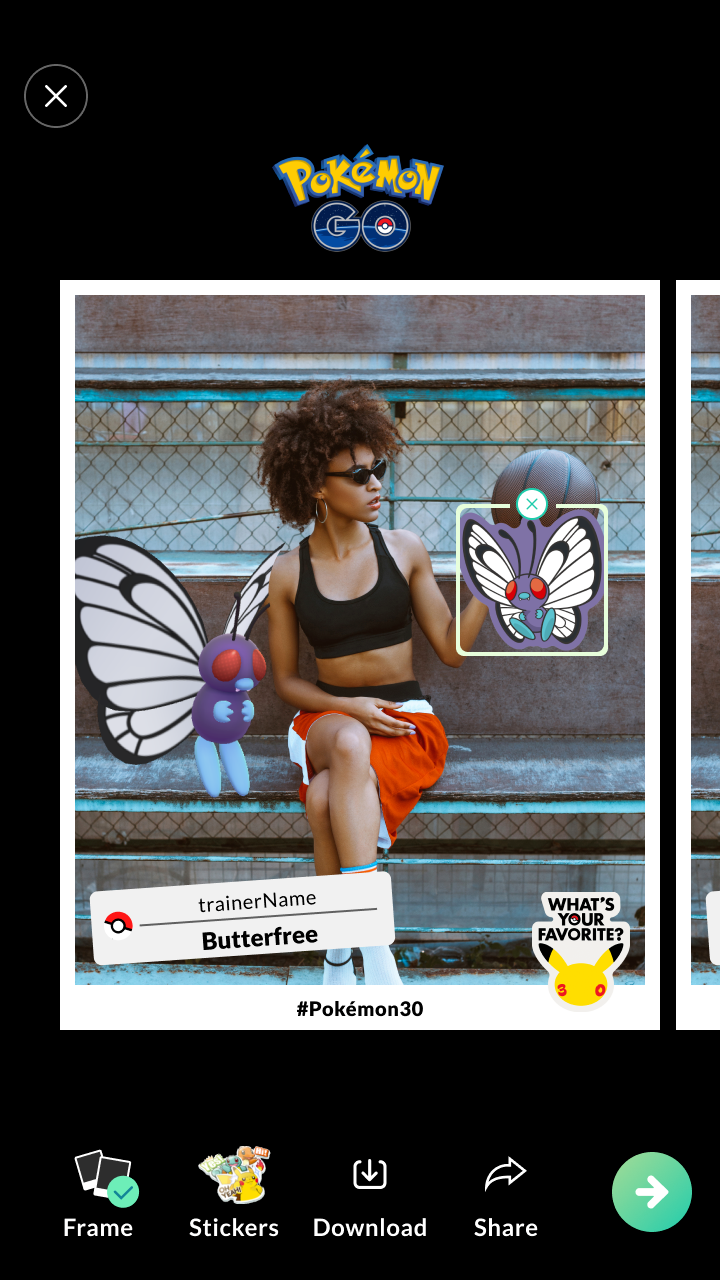
What’s Your Favorite? is a feature that allows you to include a Pokémon in a photo you take. You can further customize these photos with stickers and other fun decorations. Once you’re satisfied with your photo, you will have the opportunity to download it.
Please Note: What’s Your Favorite? is a separate feature from GO Snapshot.
How to access What’s Your Favorite?
For Trainers that are not signed in to Pokémon GO:
1. Download Pokémon GO from the App Store or Play Store.
2. Open Pokémon GO once it is finished downloading.
3. Tap the Take a Photo button at the bottom of the Sign-In screen.
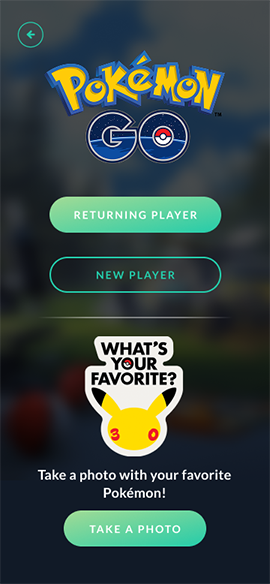
For Trainers that are signed in to Pokémon GO:
1. In Map View, tap the Main Menu button.
2. Tap the Camera icon at the bottom.
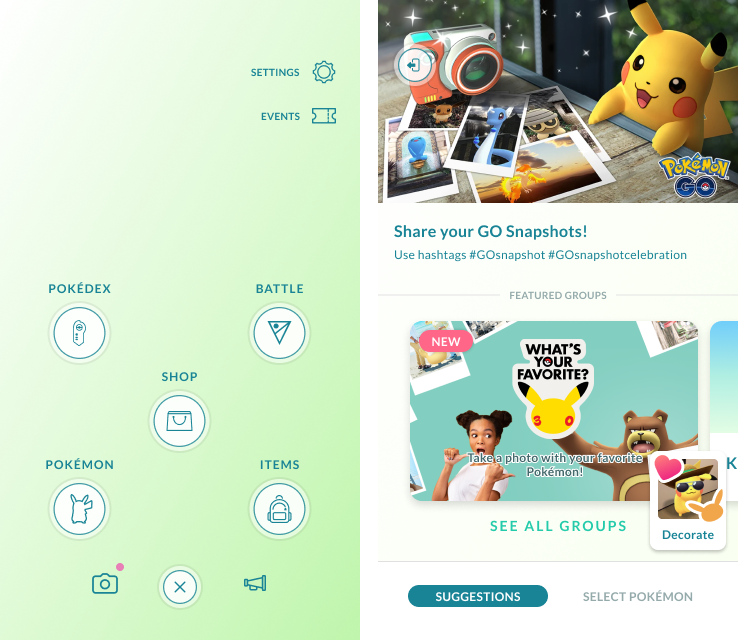
3. Tap the What’s Your Favorite? banner.
How to use What’s Your Favorite?
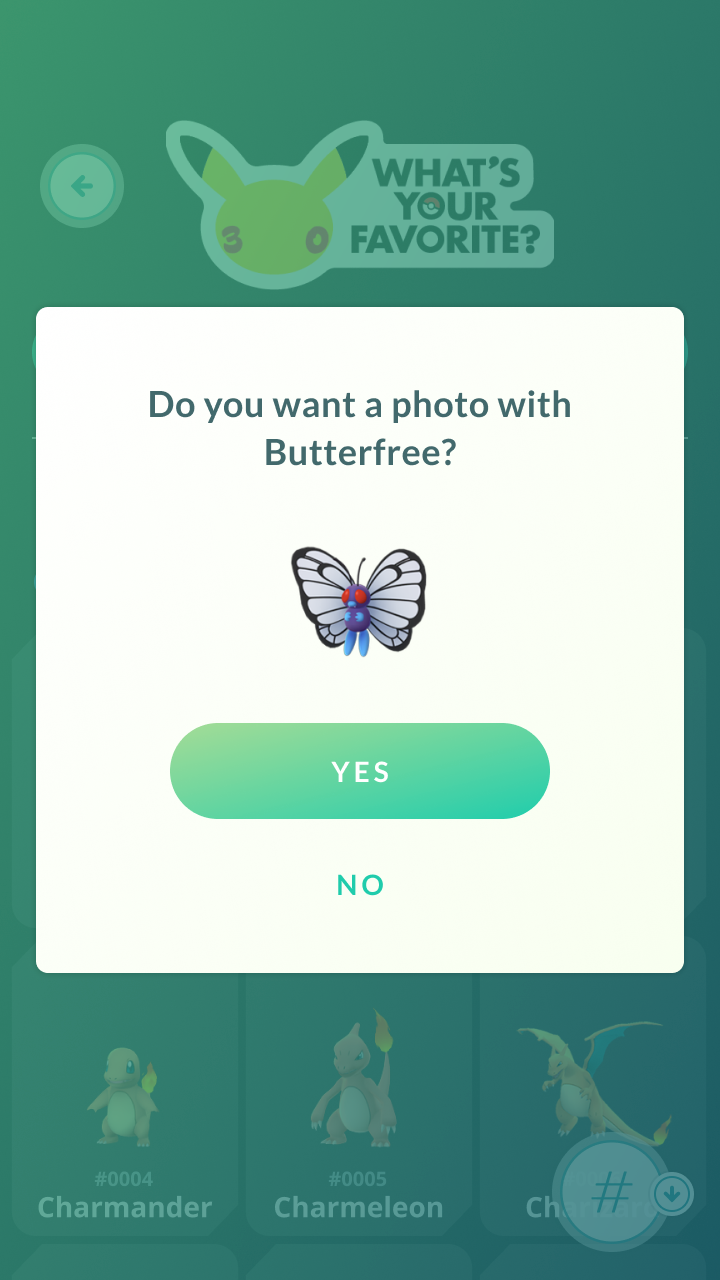
1. Select the Pokémon you want to include in your photo. You will be able to access most Pokémon available in Pokémon GO even if you haven’t caught them.
Please Note: Certain forms of Pokémon like Shiny Pokémon will not be available.
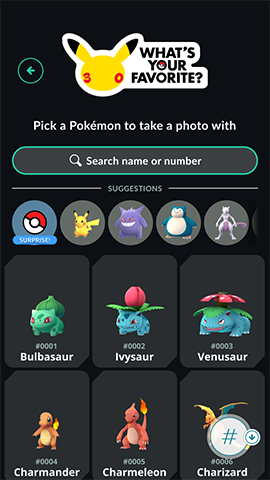
2. Take a picture. You will only be able to use your phone’s back camera for this feature. However, you can still use the timer function to include yourself in the photo.

3. Select your desired photo from a collection of several pictures that include your selected Pokémon in different poses and positions.
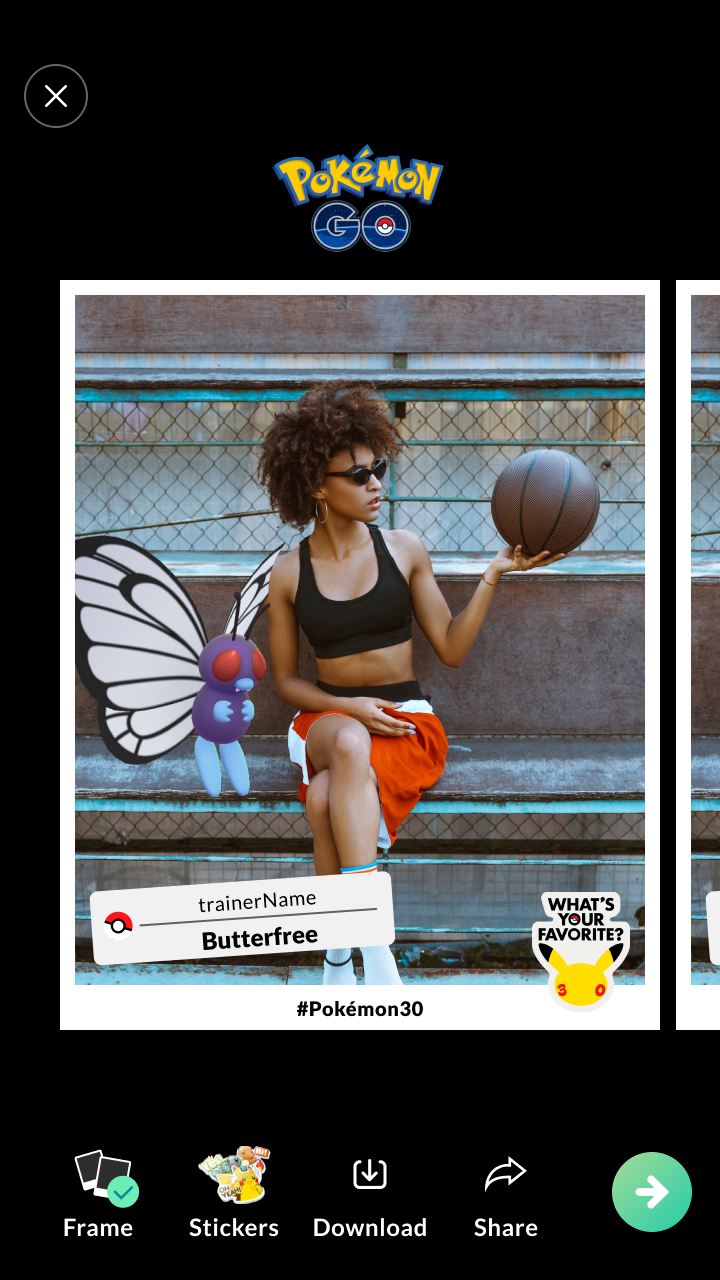
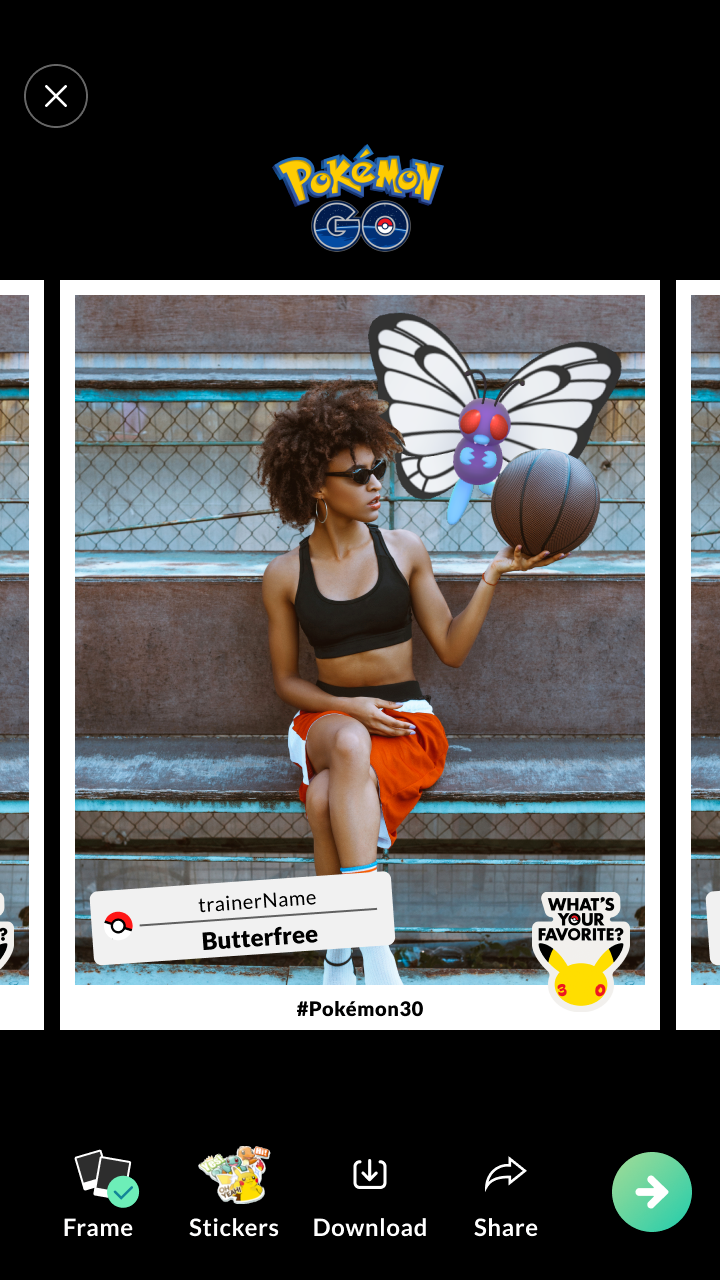
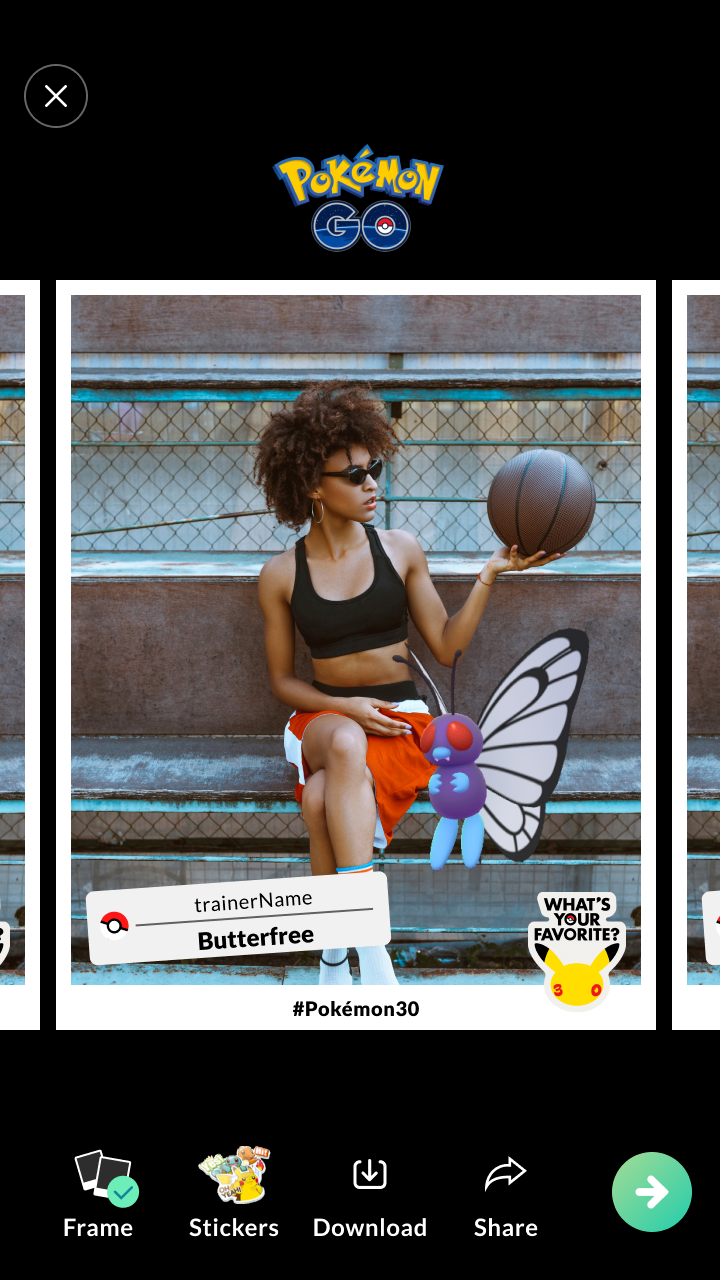
4. Personalize your selected photo with fun decorations, including customization options for label stickers you include in your photo.
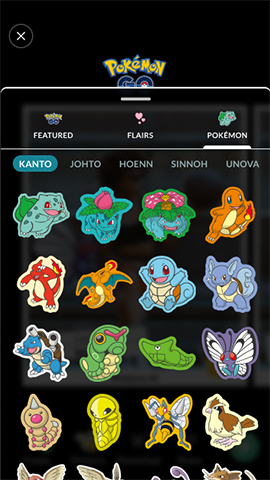
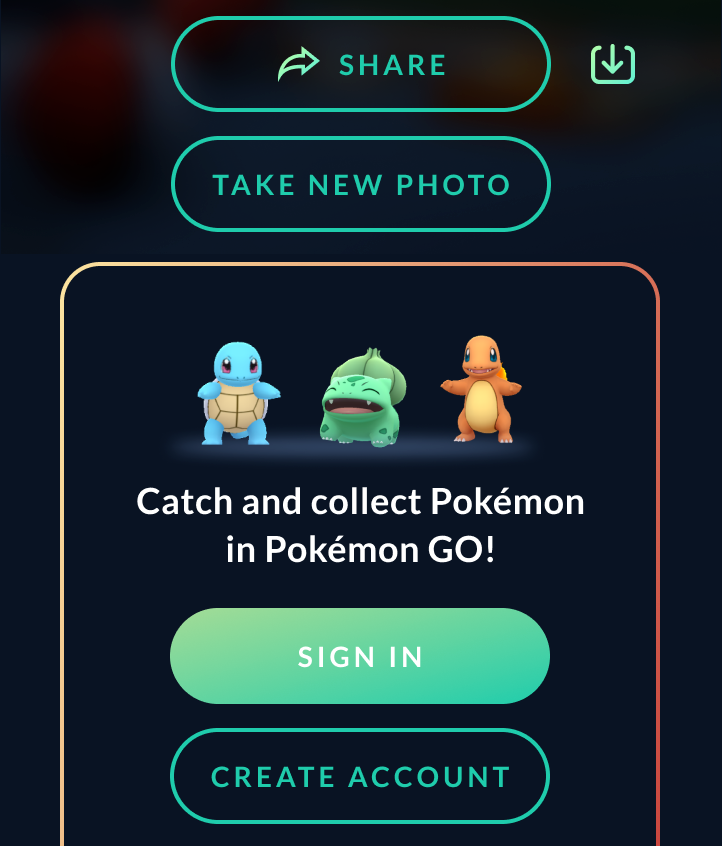
5. Save your photo to your device by tapping the Download button.
Supported Devices:
All iOS Devices
EXCEPT FOR:
All iPad4 variants
All iPad 5 variants
All iPad6 variants
iPhone 6, iPhone 6 Plus
iPhone 6s, iPhone 6s Plus, iPhone SE (GSM)
iPhone 7, iPhone 7 Plus
All Android Devices running Android 15 (or newer)
EXCEPT FOR Pixel 10 family
Please note that, while the above devices may be able to access What’s Your Favorite and other AR features, some devices may perform better than others.